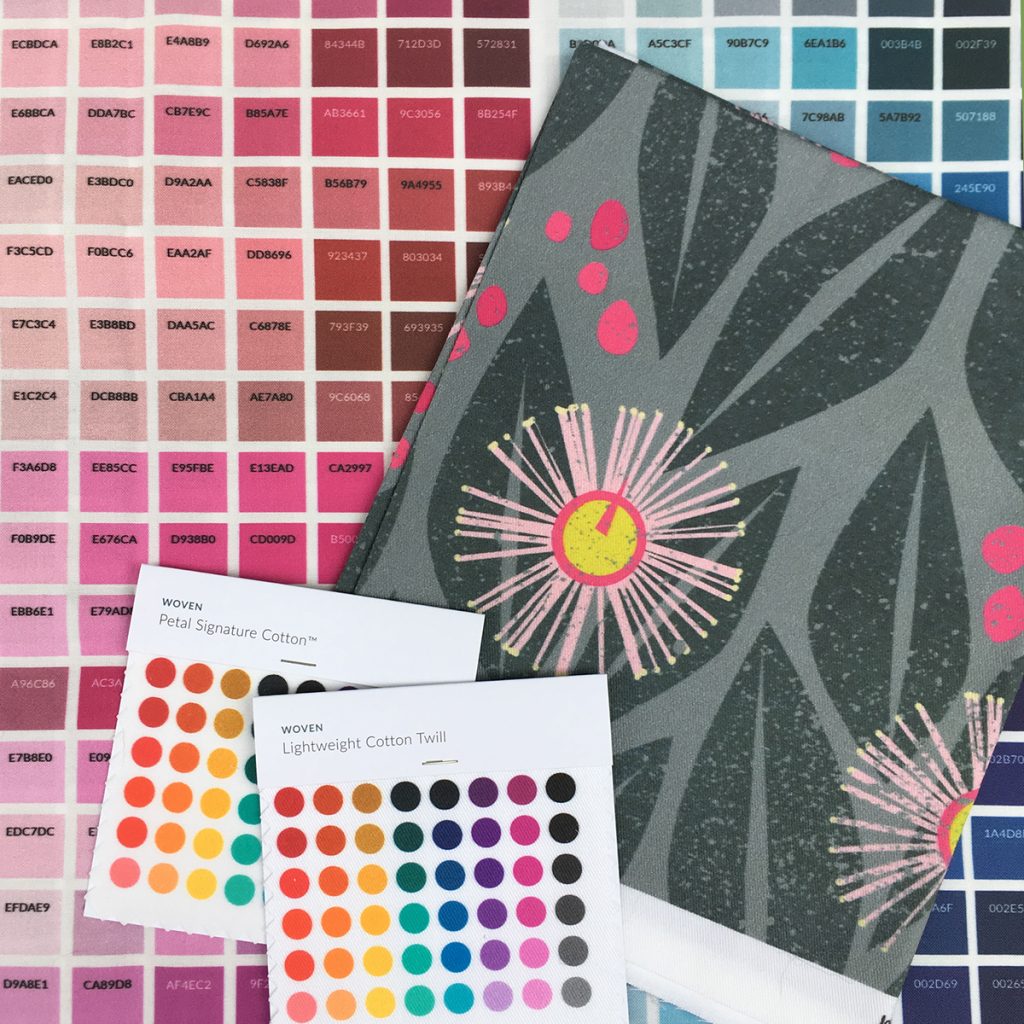
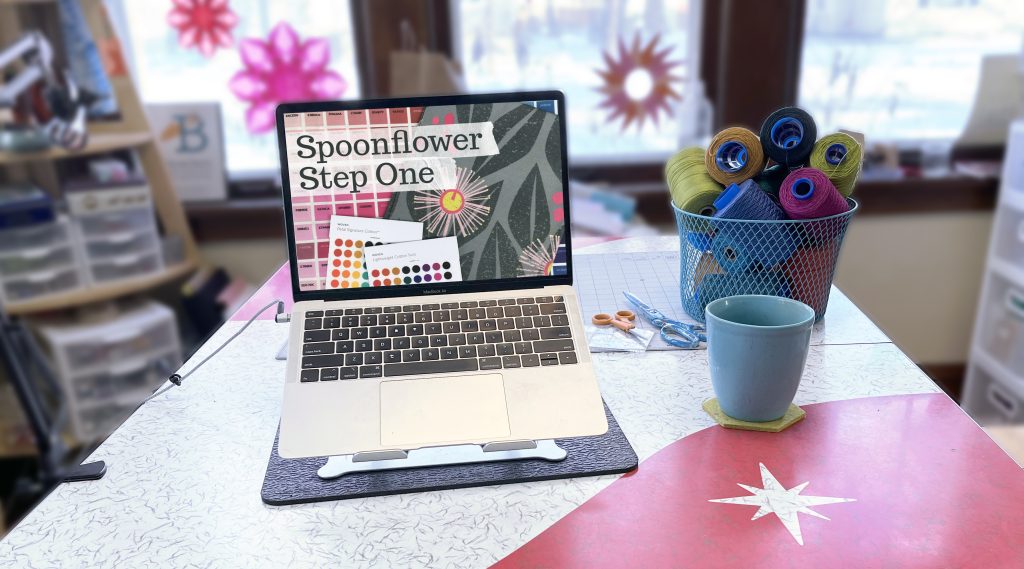
Spoonflower Step One
Designing fabric is a favorite daydream for many of us.
I want to help make that daydream a reality for you.
Think of this class as “Spoonflower 101”. It is an introduction to all of the steps you need to know to successfully upload, proof and sell your first design. I will walk you through where to find the tools and options you need; explain some of the Spoonflower vocabulary, like Collections and Samplers; and give you all of the steps to get from daydream to fabric in your hands. I’ve been teaching Spoonflower classes for years and co-authored The Spoonflower Handbook, so I’ve helped a lot of first-time designers through this exact process.
No matter what you want to design, the steps for uploading and setting everything up on Spoonflower are always the same. That’s what this class is about. I wanted to create a basic class that you can refer back to at any time. We aren’t going to dive deep into step-by-step designing — that’s for future classes. But I will make sure that you know where to find everything, know how to fill in the blanks and have a workflow of steps from start to finish. If Spoonflower has always felt a little overwhelming, this class will show you the whole process from start to finish so you know exactly what to expect.
Updated with new videos & screenshots for 2025. I added new videos and new screenshots so everything is up to date with some of the design changes that Spoonflower made to the site in 2024. Get the latest on how everything works, the new Proofing Tool and more.
Don’t think you can draw? It doesn’t matter. Really. Start with a sketch, a collage, a painting, or a simple geometric pattern, I’ll show you how to get it onto Spoonflower. Already have artwork you’d like to print? Great. You can skip the hands-on sample and move on to everything that happens after your design is finished. This is the best place to start if you’re brand new to Spoonflower. Once you’re comfortable with uploading and managing your designs, my other design classes will teach you different ways to create original patterns.
This is a complete beginner class, not just a preview. I’m not upselling you on anything. My goal is to help you successfully upload, proof, and organize your first Spoonflower designs, whether you take another class with me or not. Not knowing where to start can be the biggest barrier creativity and I want to help you get past that first technical step and right into designing something fun. You’ll know exactly what to click, what to choose, and what to expect, so ordering your first custom fabric feels exciting instead of intimidating.

These lessons will walk you through designing and uploading a collection of fabrics.
- What is Spoonflower? If you haven’t checked it out, I will give you an introduction to how it works and what to expect.
- Start with a simple two-color repeating design which I will upload so you can see all the steps.
- Choosing a scale and a repeat style and how to understand what the preview is showing you.
- Add color variations to your design, so you can create multiple colorways from the same basic pattern.
- Create a Collection in order to make your designs easy and cost effective to proof.
- Learn how to make your designs for sale so that you can qualify for the designer discount. Or you can choose to design just for yourself and keep your designs private. I will show you how to do that too.
Plus, I literally wrote the book on Spoonflower. I am one of the co-authors of The Spoonflower Handbook, a DIY Guide to designing your own fabrics and wallpaper.


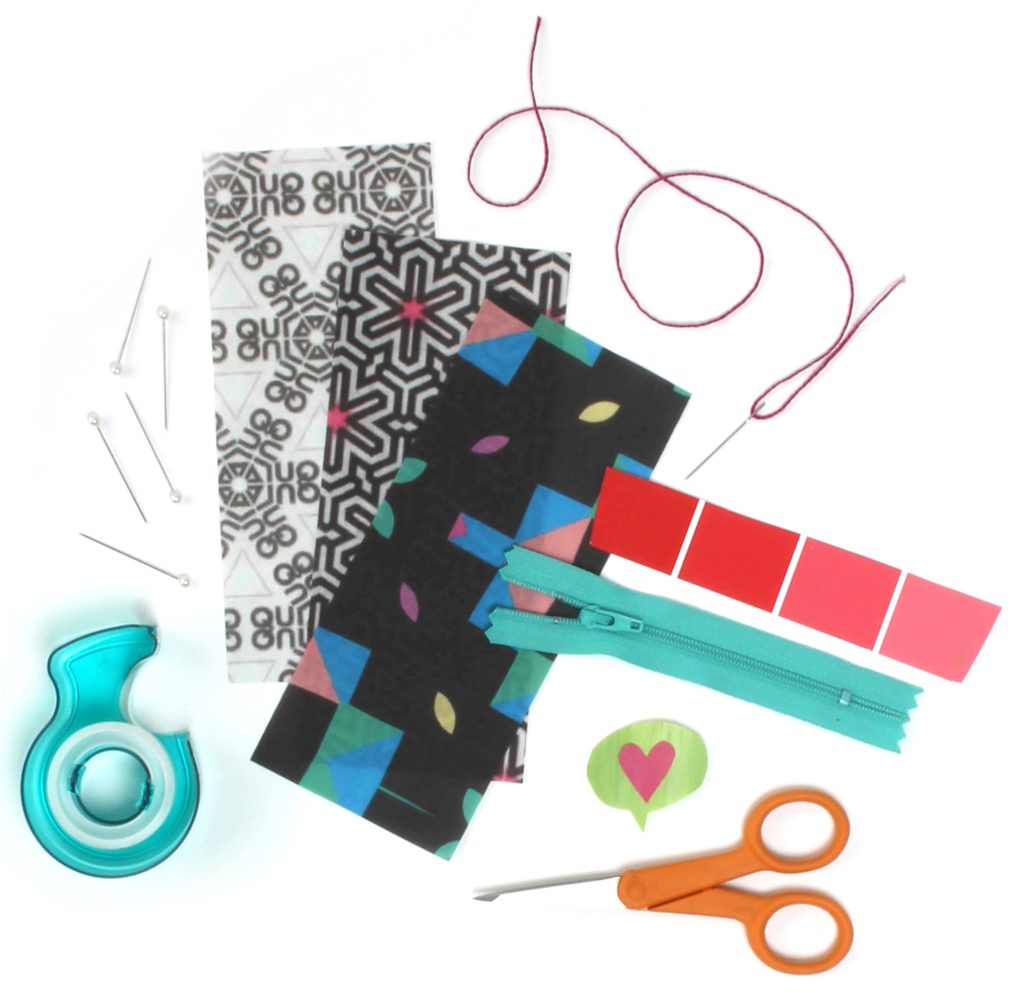
Materials you’ll need
- some scraps of paper
- a scanner or camera
- your web browser
It’s that simple. I’ll show you how to get started with your own design from scratch, so it’s not just a lecture. You can follow along hands-on.
This class works on your schedule.
In this on-demand version you work at your own pace, completing the lessons on your schedule whenever you want to stitch. There’s a comments section in every lesson to ask questions if you need help.
I love beginners.
That’s what this class is all about. It’s hard to know where to click and what all the words mean. I’ll walk you through everything in the class lessons so you know right what to do when you have your first design ready to go.